Safety Connecter
Eight safety advantages — from reliable connections to personal data access control and location verification.

An original communication algorithm
Connecter uses its own original communication algorithm, designed for reliable and protected connections. The system automatically maintains stability even as network quality deteriorates.

Protection at system level
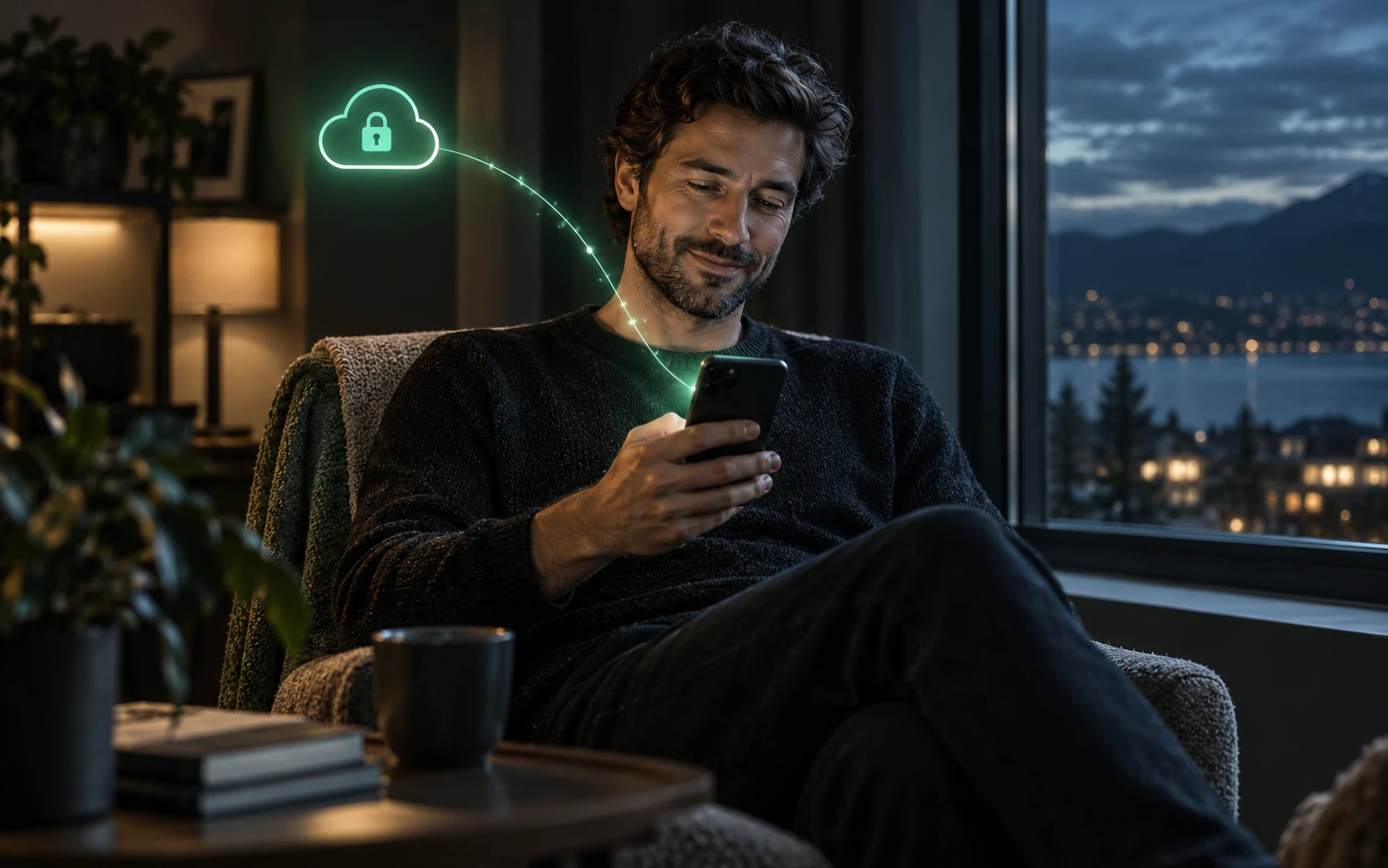
Protection is built into Connecter's architecture and works automatically. Users do not need to configure complex settings: the system protects connections, reduces personal data transmission and helps keep conversations private. Premium users can use the Tor protocol for voice calls for additional protection. Connecter provides protection at system level.

Protected messages and calls
Chats, voice and video calls use protected communication channels by default. Where other messengers require protection to be enabled separately, Connecter applies it by default. This reduces the risk of unauthorised access to conversations, messages and other personal information.
Resilience to blocks and restrictions
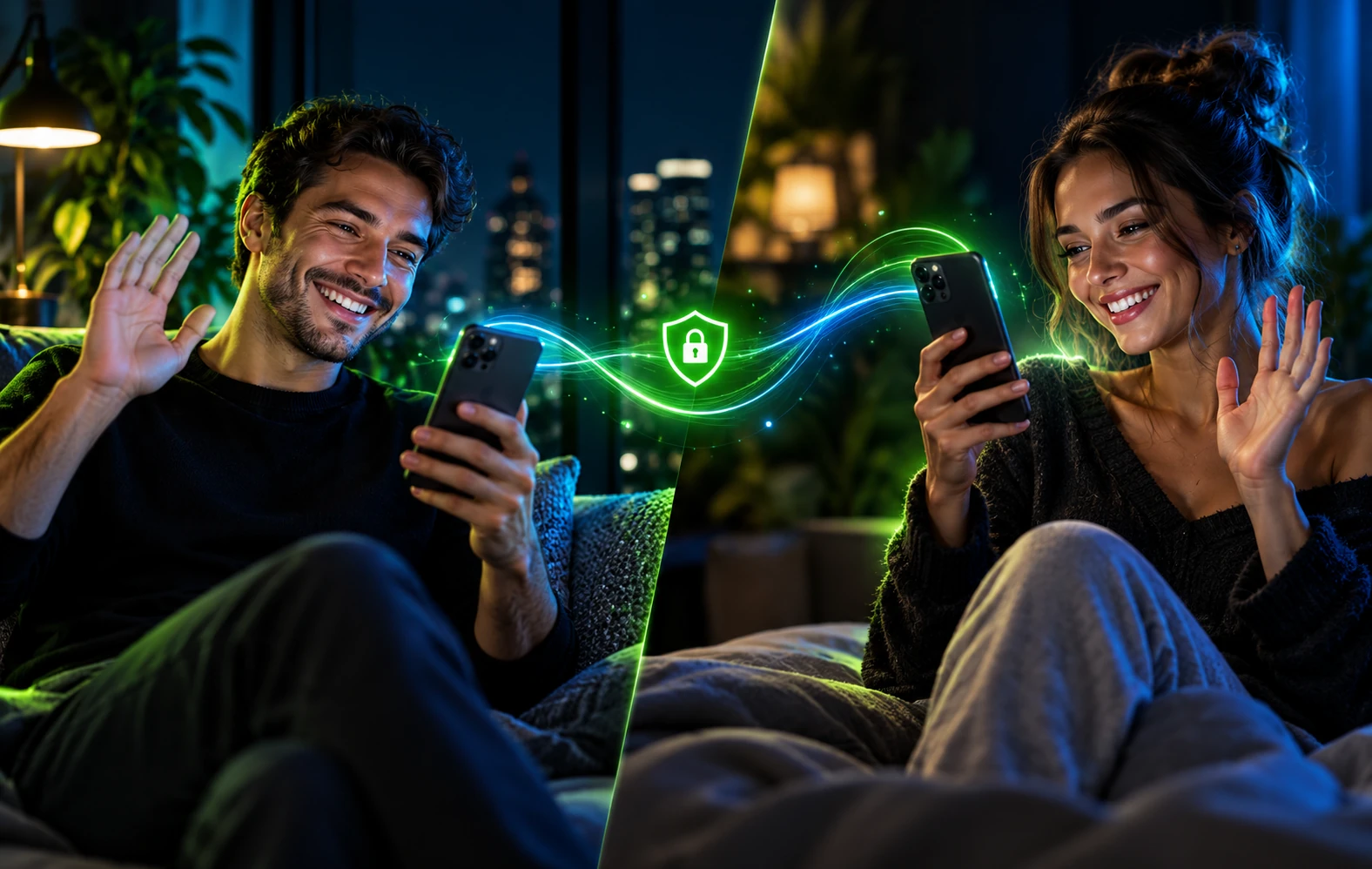
Connecter maintains connections under network restrictions, unstable internet or when individual communication methods are unavailable. Its original algorithm improves reliability and makes connections harder to block.
Loved ones always close
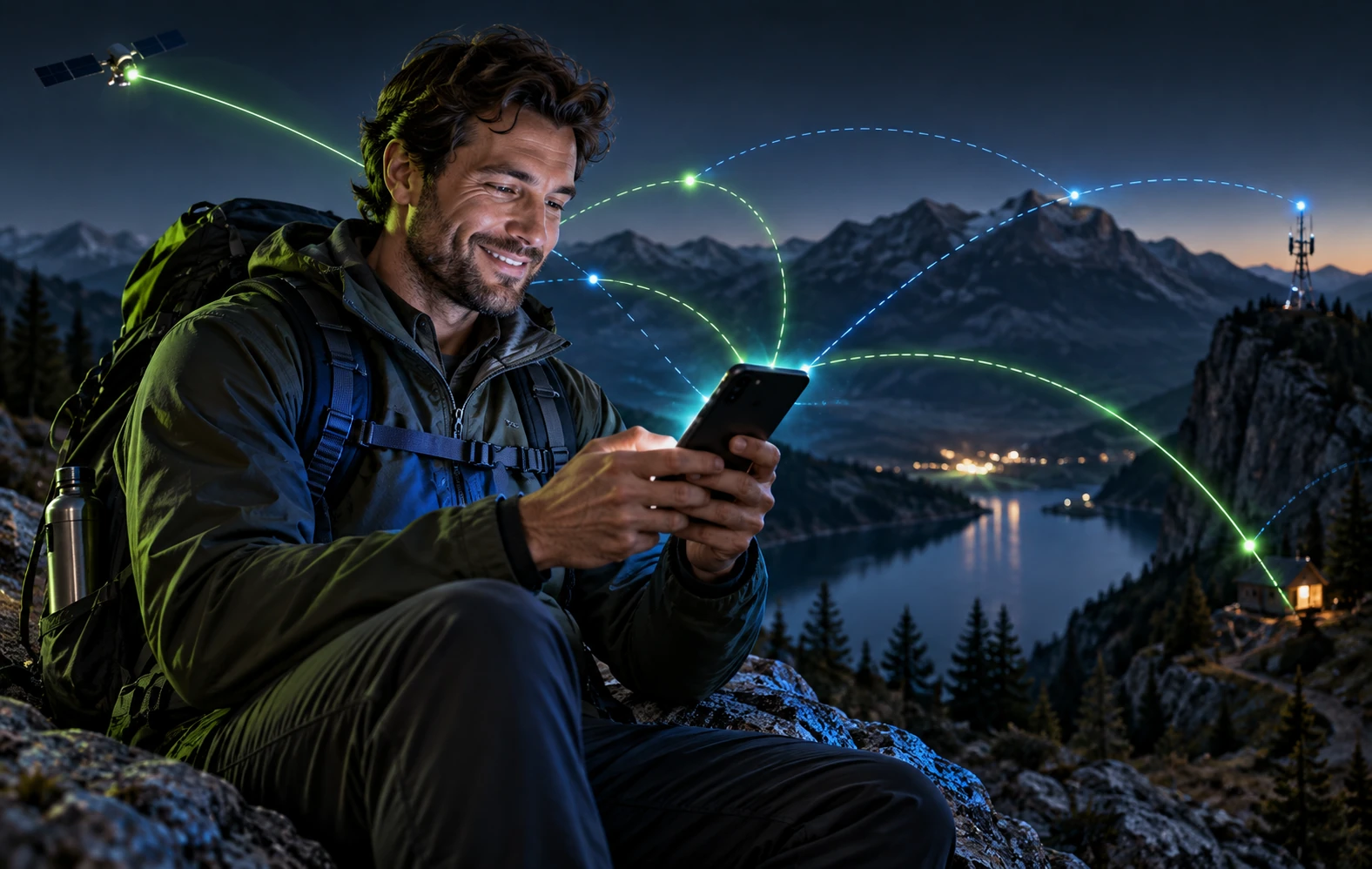
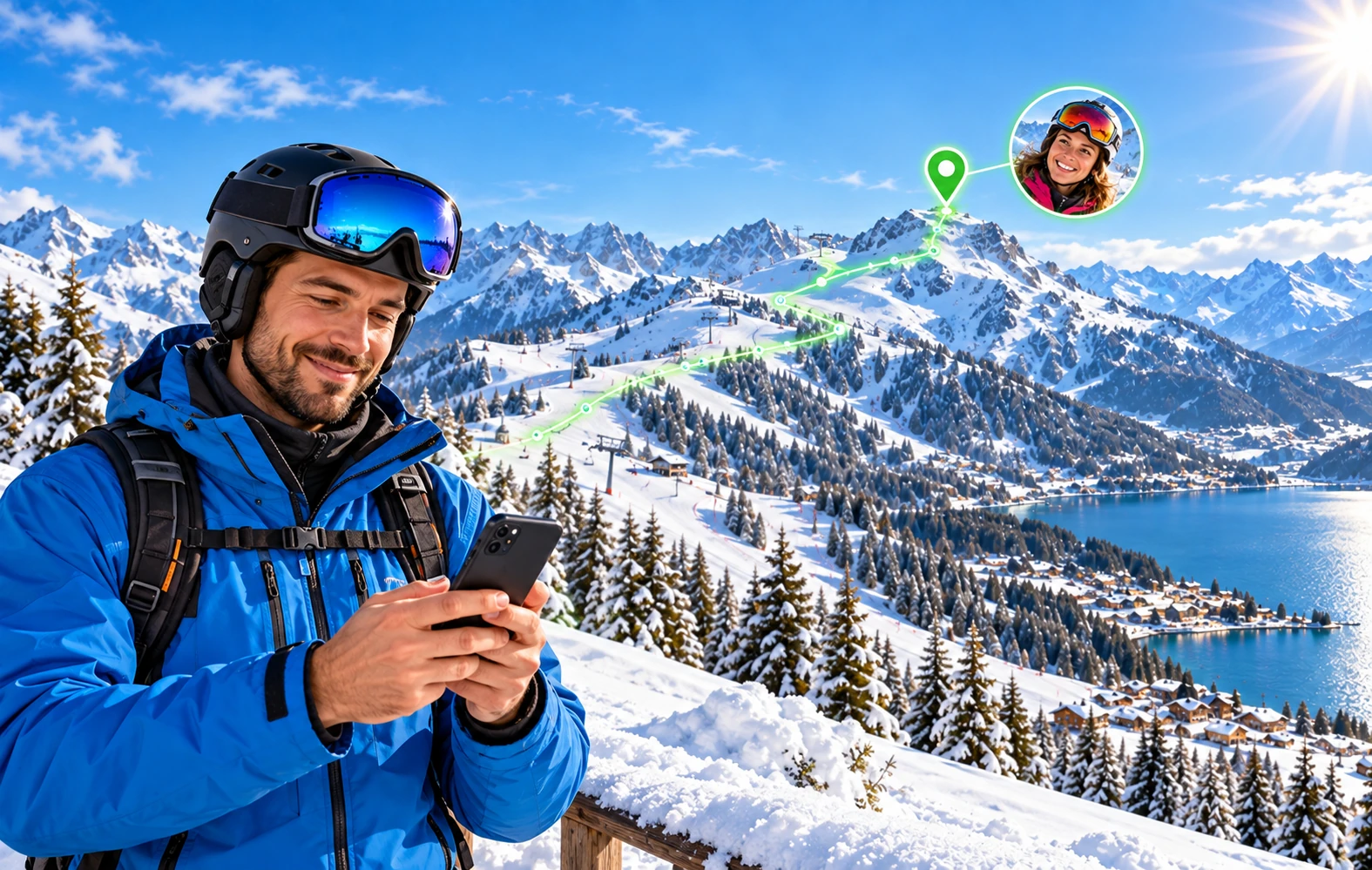
With a loved one's permission, see their location on a map, create family circles and receive arrival and departure alerts for selected zones. This helps you notice unusual situations promptly and take action.
Location verification
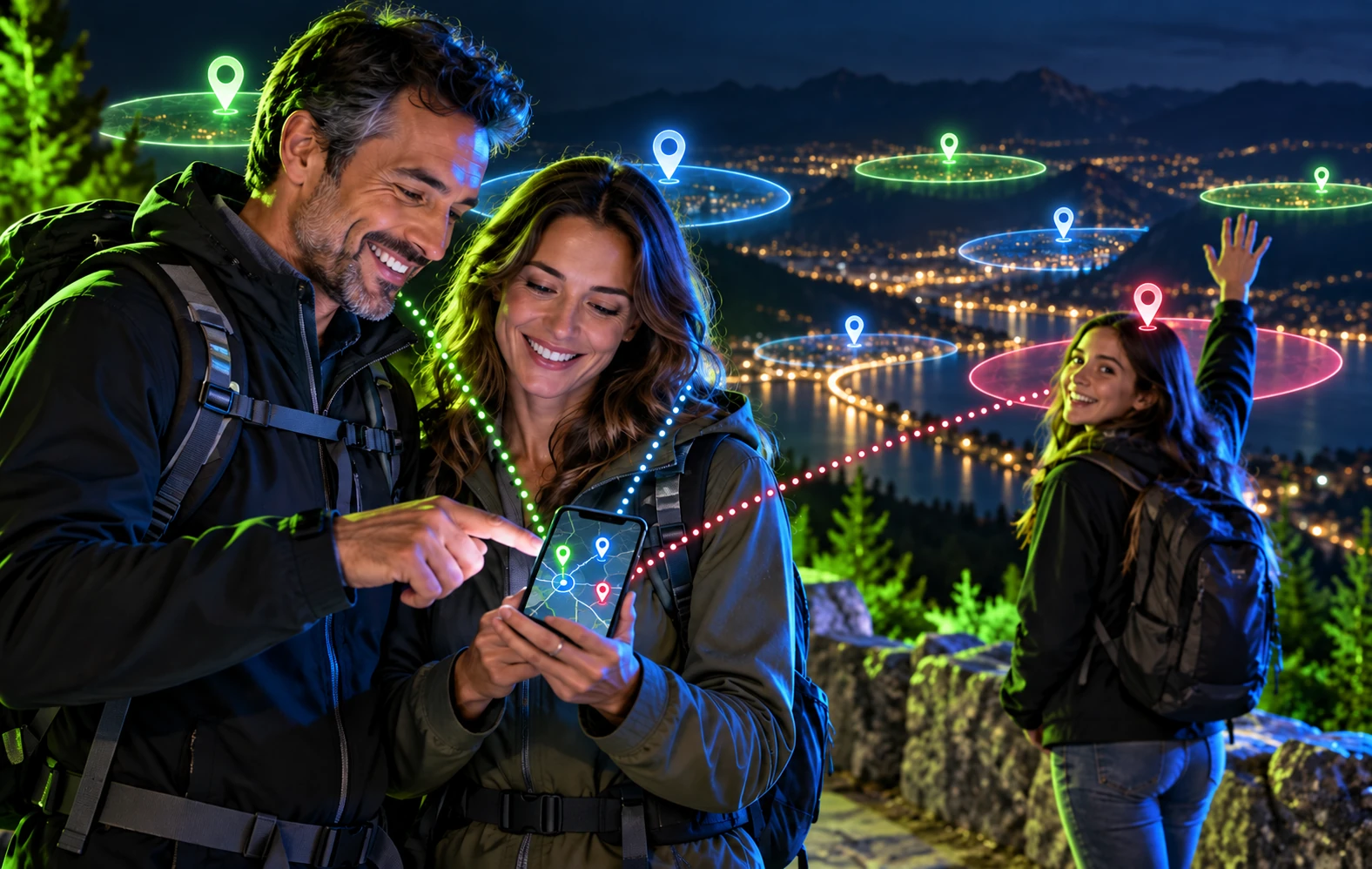
Connecter analyses sudden coordinate jumps, impossible speeds, unexpected country changes and other signs of incorrect or spoofed locations. Questionable points are temporarily excluded from the route until the data is verified.
You control access to your data
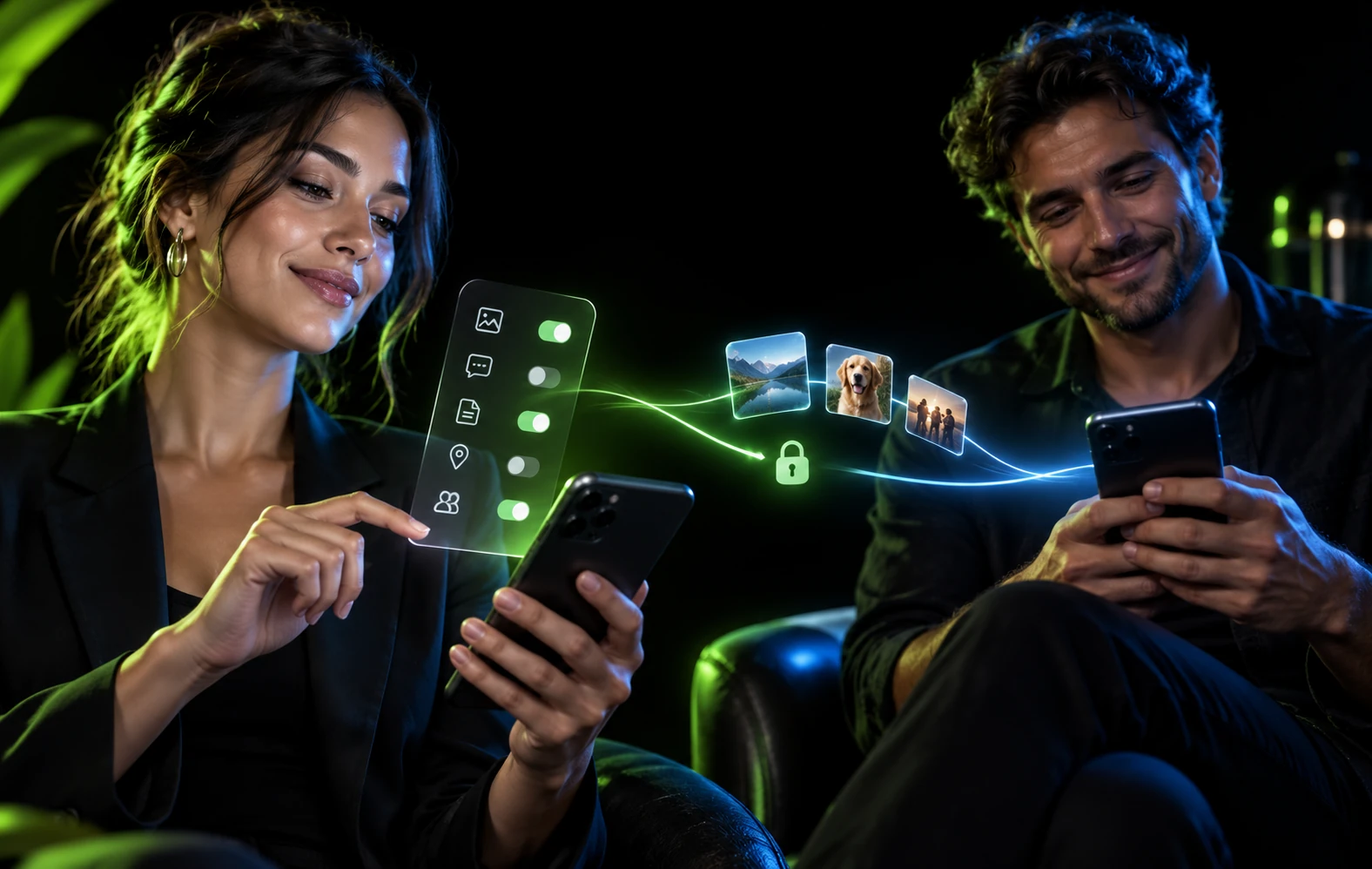
Users choose who can access their location and other personal features, and for how long. Permissions can be changed or withdrawn — control remains with the data owner.
Remove the app and come back later
Do not want Connecter to be visible on your phone in a dangerous situation? Remove it from the device. Once safe, reinstall Connecter and sign in with your credentials. You can continue using your account.