 connecter.click
A real walkie-talkie on your phone

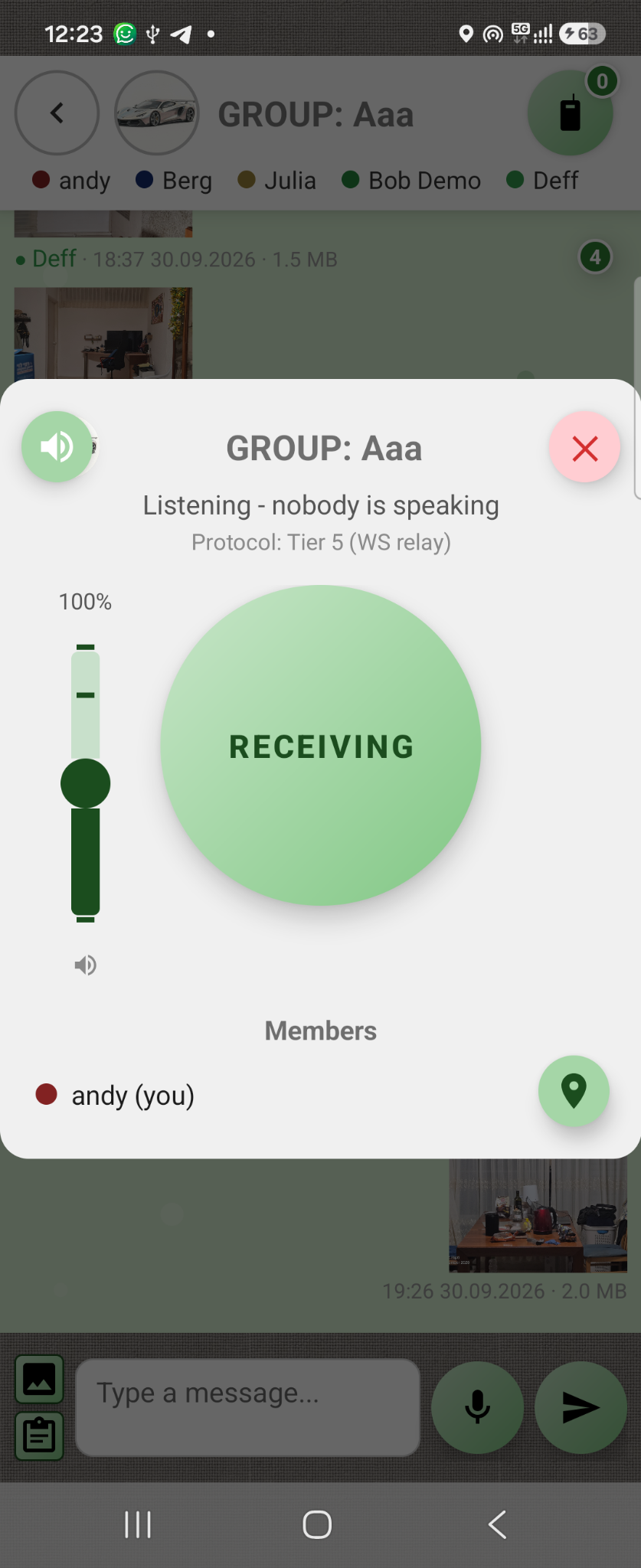
There is no need to find a button on screen or make a phone call to send a message. Press a physical phone button and speak to the group straight away. Communication can work with the screen off and in the background.
Feature used: Simplex communication + physical PTT button + background operation.
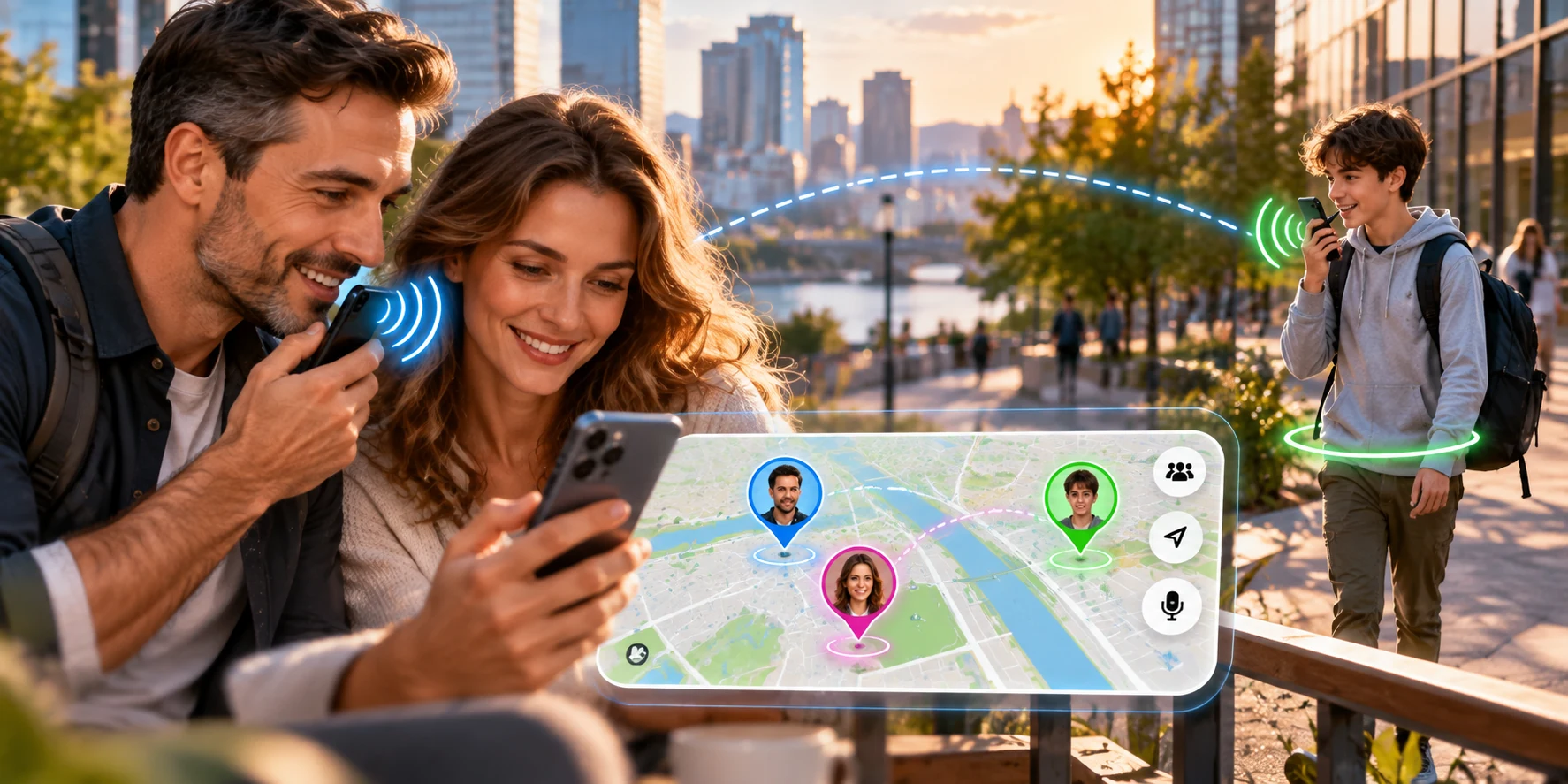
See loved ones on the map — and talk to them straight away
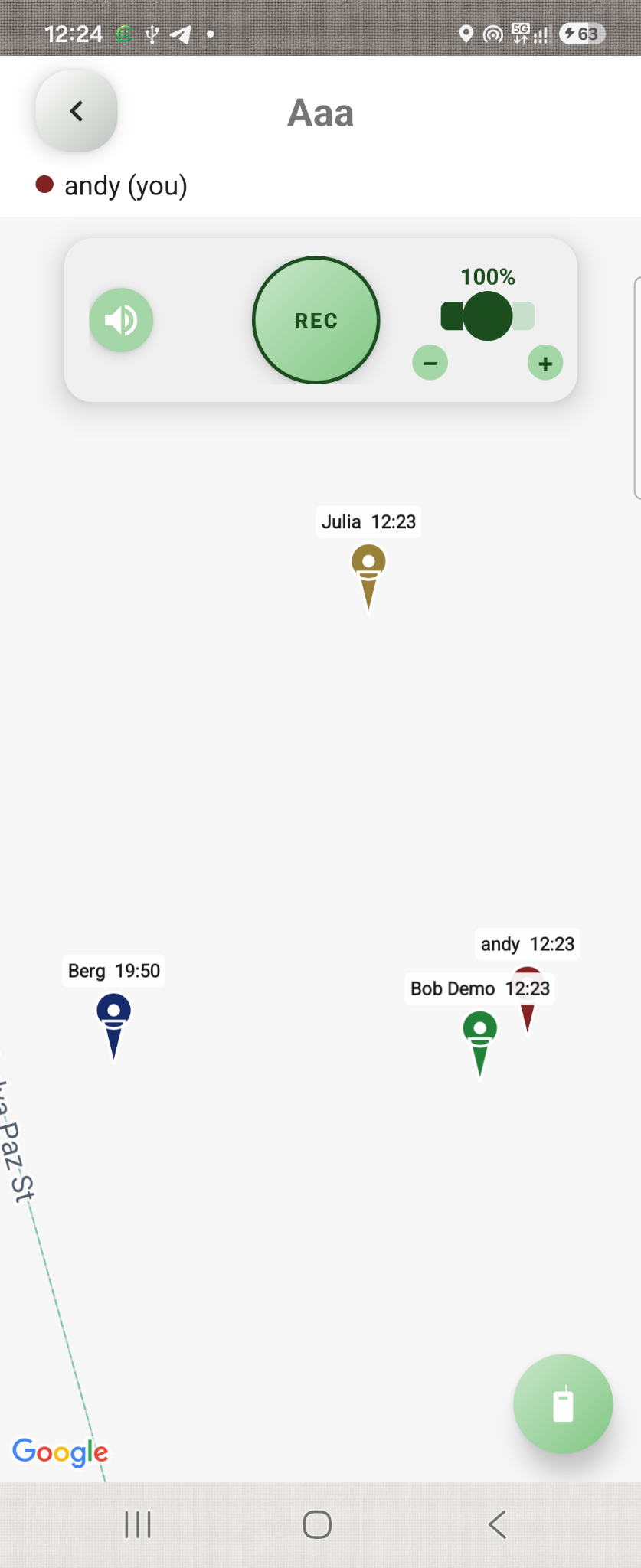
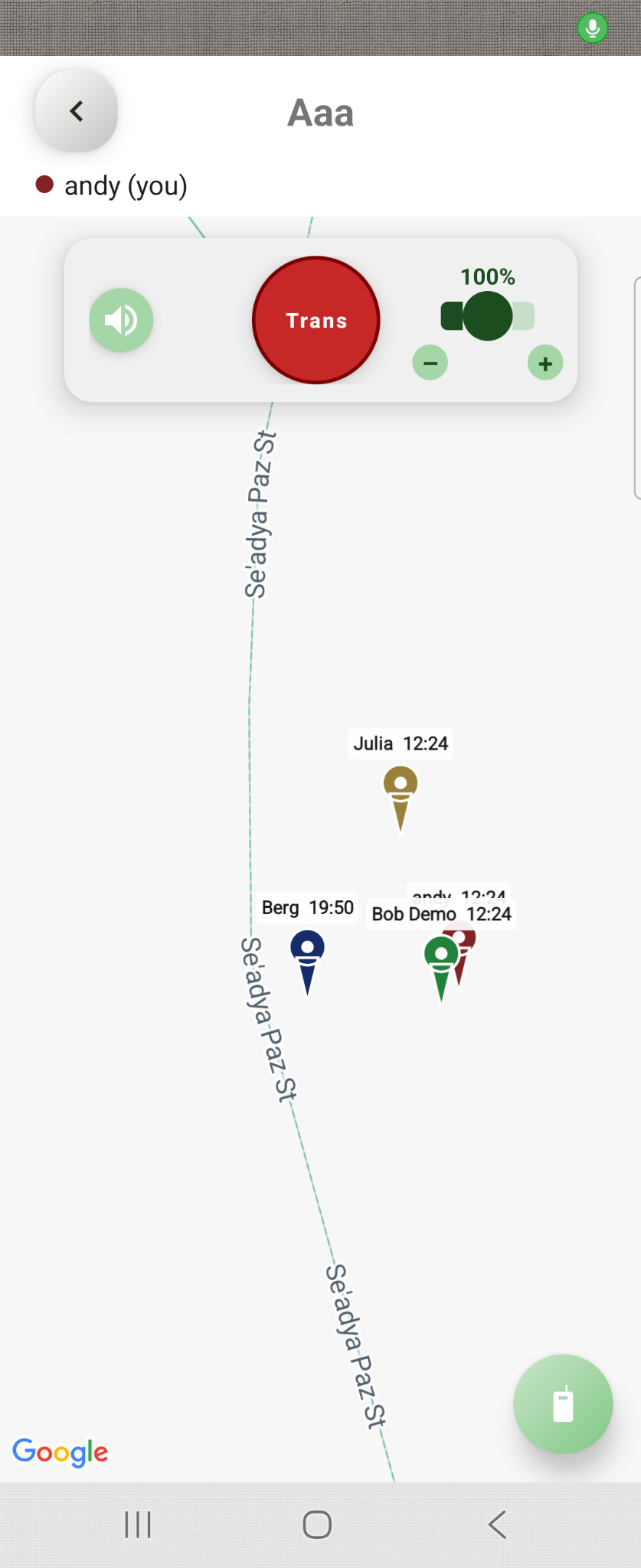
Parents can see family members' locations and speak to a child or the whole group at one touch. The map and voice channel are both in Connecter, so there is no need to switch apps or call everyone separately.
When being there matters, a short message is enough — the whole family group will hear it.
Noisy surroundings? Read the message
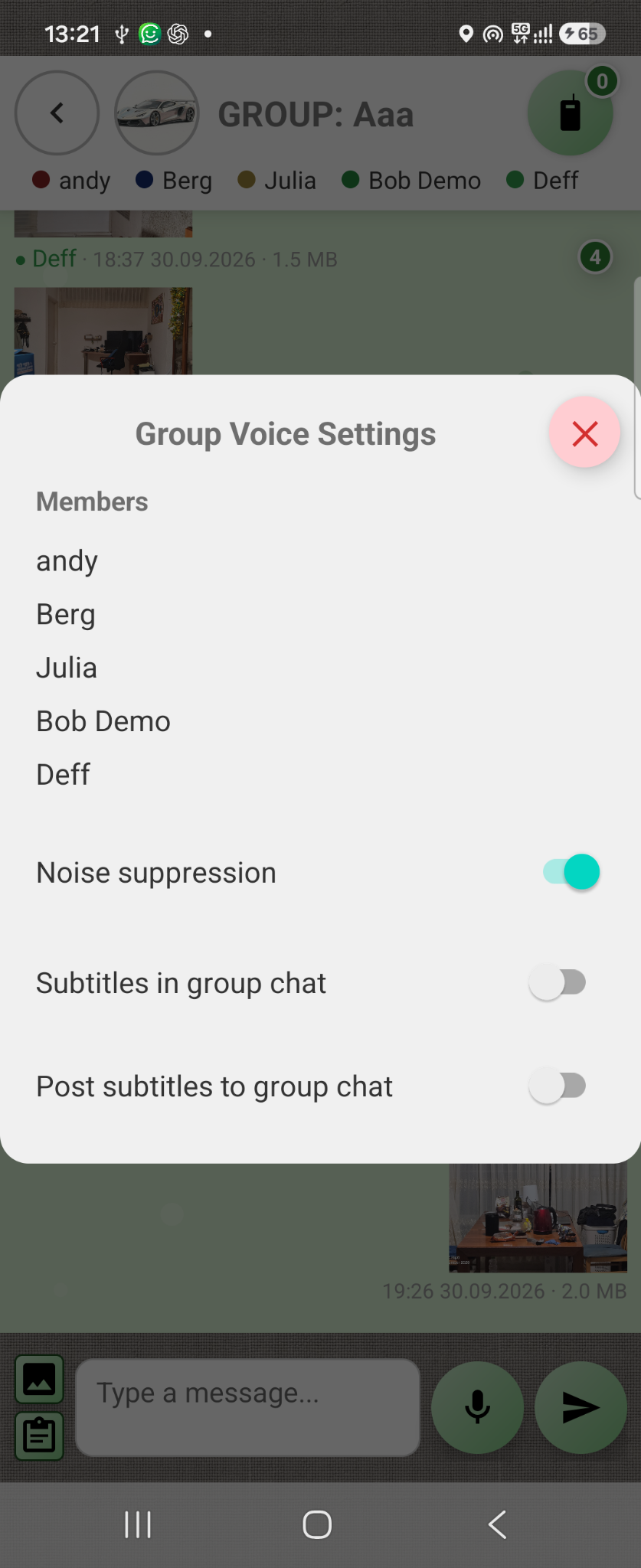
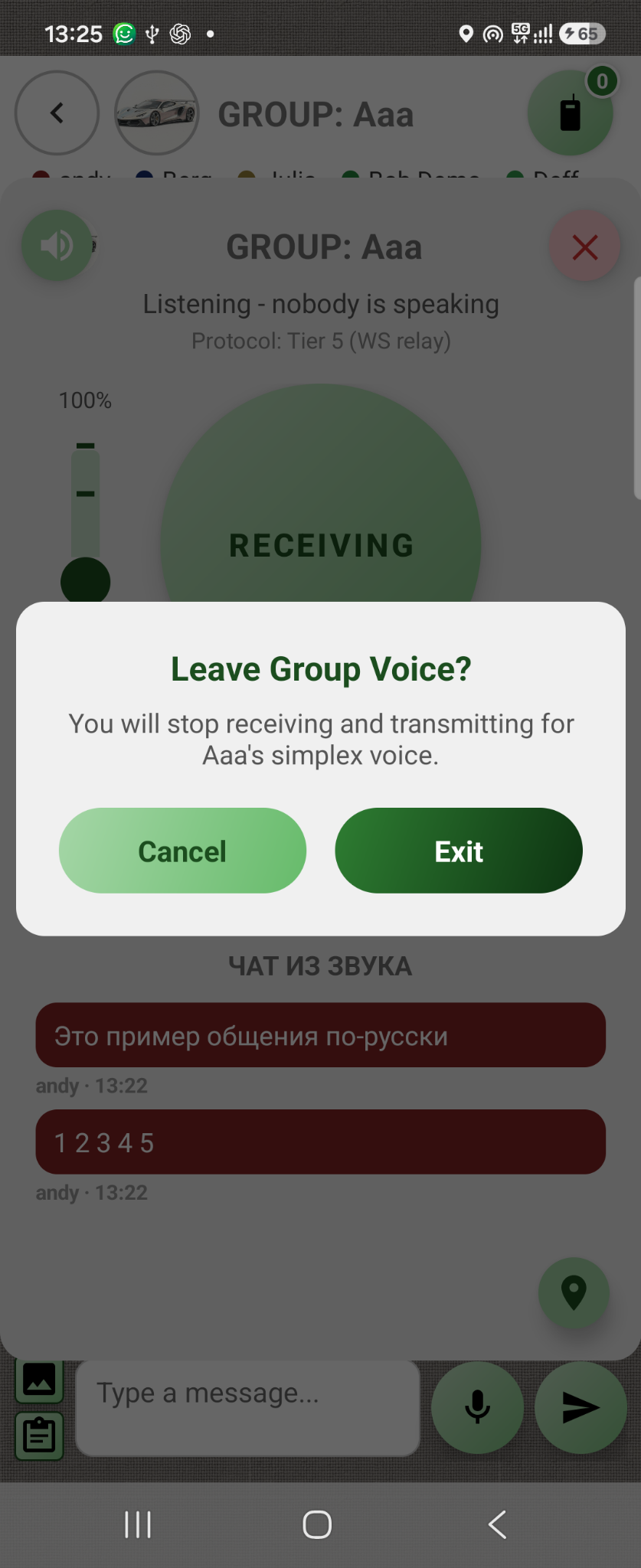
On a building site, in a factory or at an event, hearing every word can be difficult. Connecter sends your message to the whole team and displays speech as text, so participants can see who spoke and what was said.
Give instructions by voice, then check important details in the text history.

On the road and at leisure — the whole group stays connected
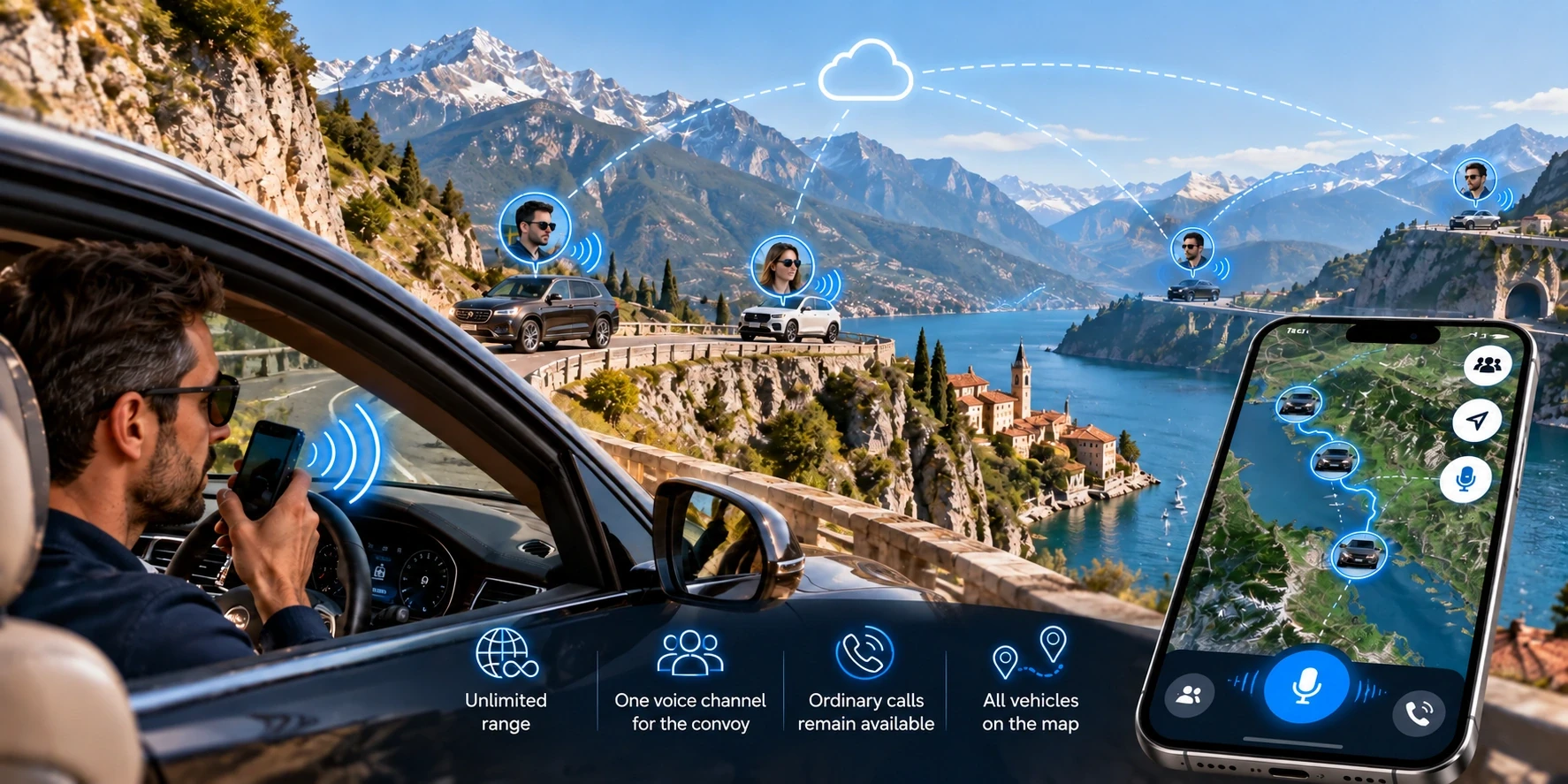
Driving in convoy, skiing, exploring a festival or playing golf? Press the button and speak to everyone at once. The shared map shows participants' locations, who has fallen behind and where to meet.
Internet communication is not limited by traditional radio range. In the mountains, the map and voice channel help you explain where you are and coordinate assistance. Ordinary telephone calls remain available.
Create a group and enable walkie-talkie
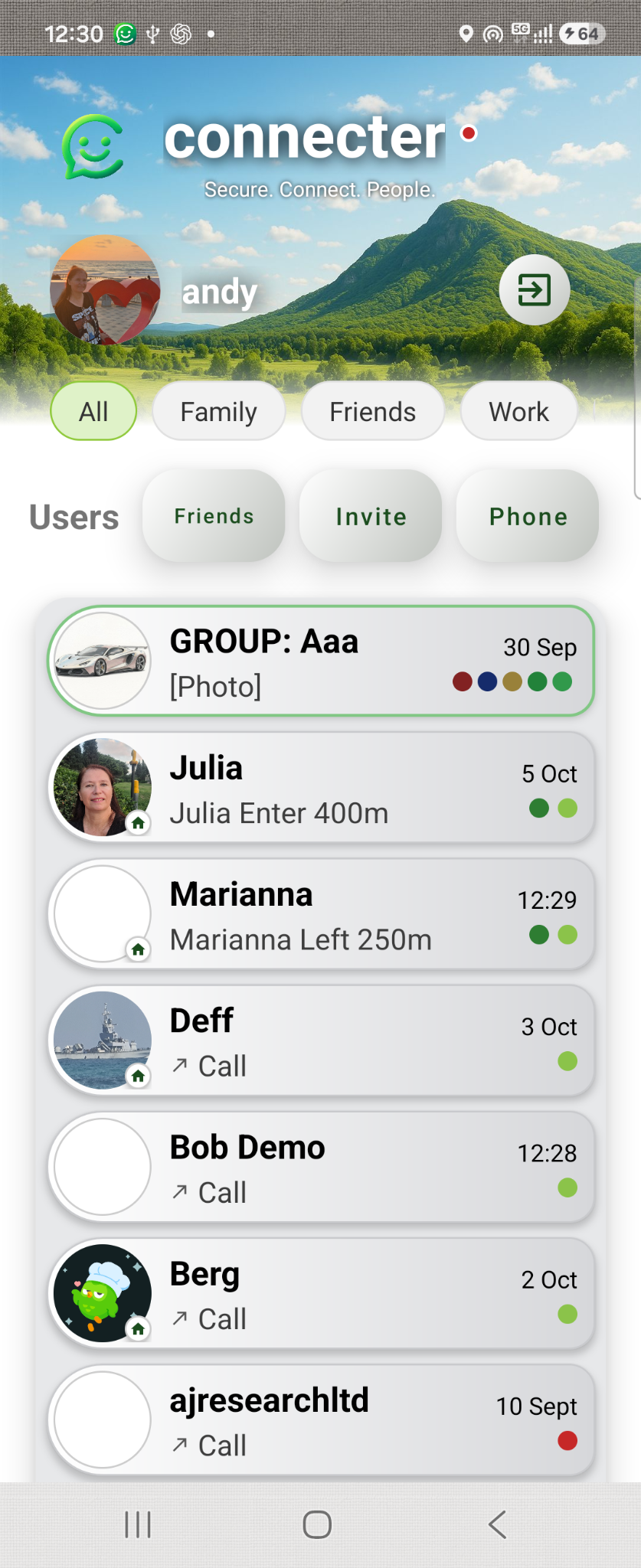
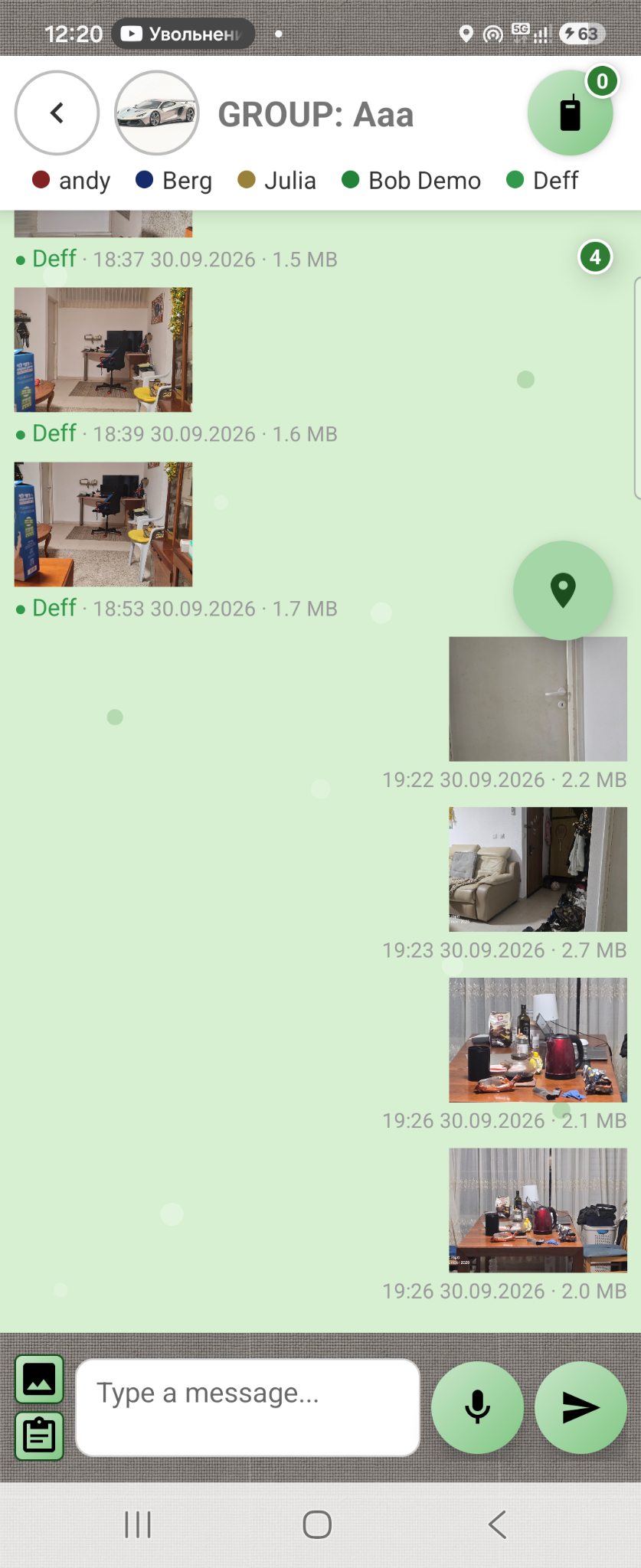
From the first message to the shared map — set up group communication in a few simple steps.

Notes and limits
- Walkie-talkie works only in group chats.
- The free plan includes one group chat. For more groups, upgrade to Premium 1 or Premium 2.
- The number of participants in a group chat is limited on the free plan.